
Purchase Order
A buyer-issued order that authorises a purchase.
What a Purchase Order is
A Purchase Order is the document a buyer sends to a supplier to authorise a specific purchase. It opens with a PO number and order date, then names the buyer and the supplier so both sides know exactly who is on the contract.
The body is an itemised order table: each good or service with its quantity, unit price, and line total, summing to the order total. Delivery terms and a delivery date set when and how the supplier fulfils, while separate shipping and billing addresses route the goods and the bill correctly.
A references and authorisation block closes it out, recording who approved the spend and any quote or contract the order relates to. That structure is what lets the order, the delivery, and the eventual invoice all be matched against one another.
Anatomy of a Purchase Order
PO number & order date
A unique reference and the date the order is raised, so every later document can point back to this exact purchase.
Buyer & supplier details
Named buyer and supplier blocks with contact information, establishing who is ordering and who is committing to fulfil.
Itemised order table
A row per good or service with a clear description, so the supplier ships precisely what was agreed.
Quantities & totals
Per-line quantities and unit prices extending to line totals and a grand total that finance can match against the invoice.
Delivery terms & date
The agreed fulfilment conditions and the date by which the supplier must deliver, removing ambiguity about timing.
Shipping & billing addresses
Separate destinations for the goods and the bill, so the receiving dock and accounts payable each get what they need.
References & authorisation
Links to a quote or contract plus the approver's sign-off, confirming the spend was authorised before it was placed.
Getting a Purchase Order right
Do
- Give every order a unique PO number and order date so it can be traced and matched later.
- List each good or service on its own row with a clear quantity and unit price.
- Keep the shipping address and the billing address as separate, clearly labelled blocks.
- State the delivery date and delivery terms explicitly instead of leaving them implied.
- Include the approver in the authorisation block so the spend is documented as sanctioned.
Avoid
- Don't bundle several goods into one vague line that the supplier cannot price or ship accurately.
- Don't omit the PO number, or the invoice will be impossible to match against the order.
- Don't let line totals and the grand total disagree, because finance will reject the mismatch.
- Don't reuse one address for both shipping and billing when the two destinations differ.
- Don't send an order without an authorisation block recording who approved the purchase.
The old way and the waxTable way
How Waxe generates your Purchase Order
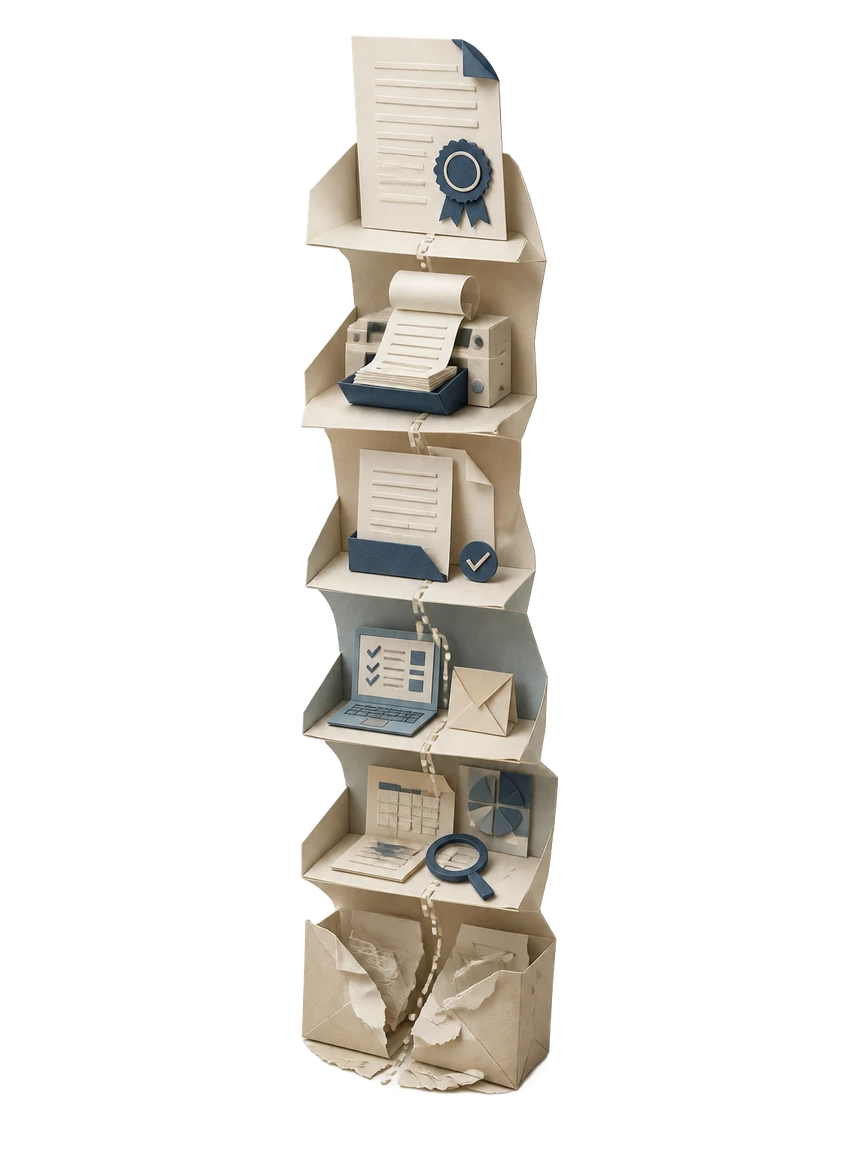
- 1
Describe the order
You tell Waxe the supplier, the goods or services, and the quantities you need. She captures the buyer and supplier details and the delivery terms in plain language, so there is no template to wrestle with before you start.
- 2
Waxe designs the layout
Waxe designs the Purchase Order around its real anatomy: a PO number header, buyer and supplier blocks, an itemised table, and an authorisation footer. The design is generated to fit your brand, not pulled from a generic stock form.
- 3
Build the itemised table
She populates the order table with each line item, its quantity, and unit price, then extends every row to a line total. Subtotals and the grand total are computed so the numbers on the order are internally consistent and ready to match later.
- 4
Set delivery and authorisation
Waxe fills in the delivery date and terms, separates the shipping and billing addresses, and adds the references and authorisation block. The approver and any linked quote are recorded so the spend reads as sanctioned before it leaves your hands.
- 5
Review and send
The finished Purchase Order renders ready to send, and you can edit any block in the live editor. What once took two days of formatting comes back in about five minutes for a few cents, with the totals and numbering already correct.
Frequently asked
What is a Purchase Order?
A Purchase Order is a document a buyer issues to a supplier to authorise a specific purchase. It carries a unique PO number and order date, the buyer and supplier details, and an itemised table of goods or services with quantities and line totals. Delivery terms, a delivery date, and shipping and billing addresses tell the supplier where and when to fulfil. References and an authorisation block confirm who approved the spend. Together these parts turn a verbal agreement into a traceable commitment both sides can match against later.
What goes in the itemised order table?
The itemised order table is the heart of the Purchase Order. Each row names a good or service, the quantity ordered, and a unit price, then extends to a line total. The table sums to subtotals and a grand total so the supplier and your finance team see the same numbers. Clear quantities and totals are what let a received invoice be matched line for line against the order. waxTable lays this table out as a clean, readable grid that paginates correctly across pages instead of breaking mid-row.
How is a Purchase Order different from an invoice?
A Purchase Order is issued by the buyer before the work; an invoice is issued by the supplier after it. The PO authorises the purchase and sets the agreed quantities, totals, and delivery terms up front. The invoice then requests payment for what was actually delivered. Because the PO number, line items, and totals appear on both documents, the two can be matched to catch over-billing or short shipments. waxTable generates the order side, complete with the references and authorisation block that make later matching straightforward.
What delivery terms should a Purchase Order include?
Delivery terms tell the supplier how, where, and by when to fulfil the order. State a delivery date, the shipping address, and any handling or incoterm conditions you have agreed. Keep the billing address separate from the shipping address so accounts payable and the receiving dock each get what they need. Spelling these out on the Purchase Order prevents disputes about timing and freight. waxTable places delivery terms, delivery date, and the shipping and billing addresses in their own clearly labelled blocks.
Can waxTable generate a Purchase Order automatically?
Yes. You tell Waxe, waxTable's AI operations manager, the supplier, the line items, and the delivery terms, and she assembles the full document. She designs the layout, generates the PO number, buyer and supplier blocks, the itemised table, and the authorisation footer, then renders it ready to send. Work that takes two days by hand comes back in about five minutes for a few cents. You can edit any block in the live editor before sending.
Skip the writing — generate the whole purchase order
Waxe drafts it on your brand in about five minutes, then you refine it. From two days of work to a few cents.
Your next purchase order, in five minutes
Tell Waxe about the client and get a complete, on-brand purchase order to review — the work of two days for a few cents. There is no blank page to start from and nothing to format by hand; you answer a short brief, Waxe does the drafting, and you keep full control of the final document in the editor.